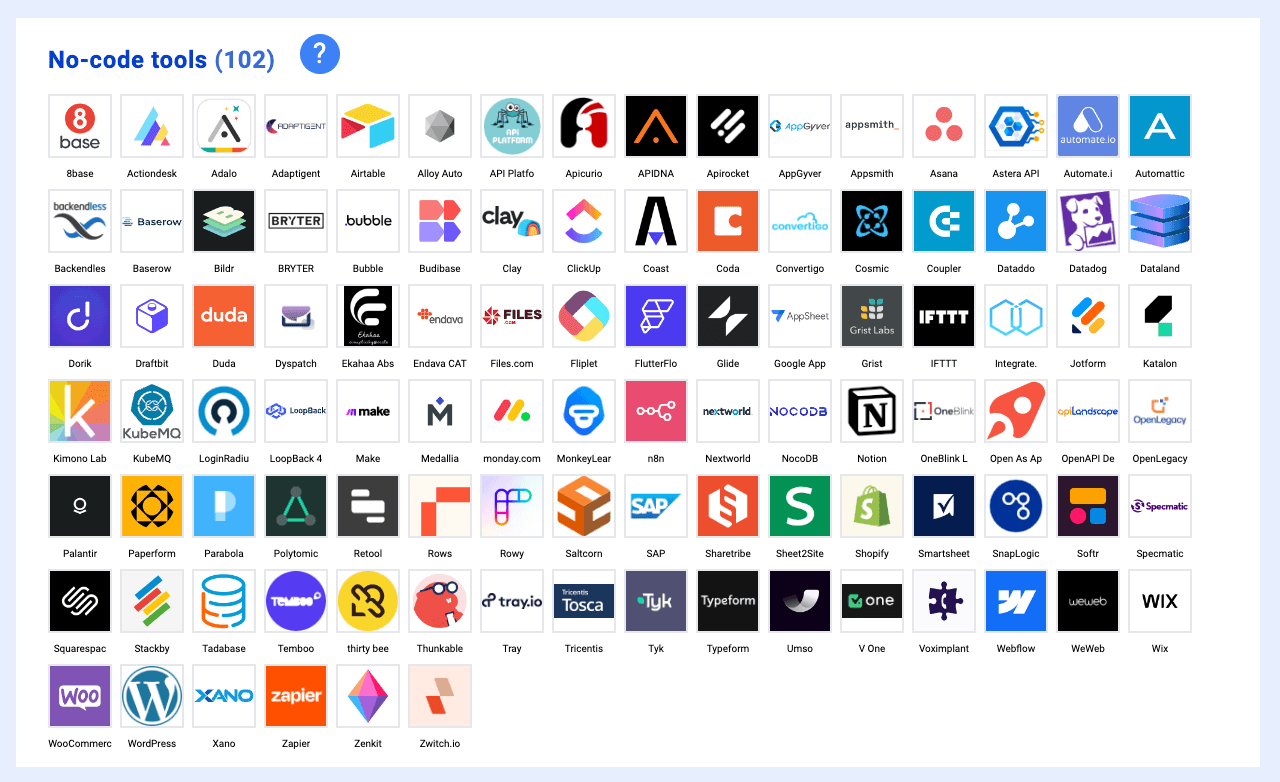

No-code platforms have matured from niche curiosities into production-grade infrastructure. You can now build complete workflow automations, publish mobile apps to app stores, and launch data-driven web applications—all without writing a line of code. This guide covers the ten most capable no-code tools available today, explaining what each does best and when to choose one over another.
Whether you're automating internal operations, building an MVP, or replacing expensive custom development, one of these tools will get you there faster than traditional coding ever could.
What Makes a No-Code Tool Worth Using
Before diving into specific platforms, it's worth understanding how these tools actually work. Most no-code platforms share a common architecture: visual builders that generate real code behind the scenes, pre-built integrations that handle API authentication and data mapping, and hosting infrastructure that abstracts away server management.
The key differences come down to what each tool optimizes for. Some prioritize ease of use over flexibility. Others offer near-developer-level control but require steeper learning curves. Your choice depends on what you're building: a quick internal tool, a customer-facing application, or a complex automation pipeline.
The best no-code tools in 2025 share certain characteristics—extensive integration libraries, reliable hosting, active communities, and transparent pricing. The tools below represent the current state of the art across different use cases.
1. n8n — Workflow Automation with Full Control
Best for: Technical teams building complex automations, AI agent workflows, and integrations requiring code extensibility
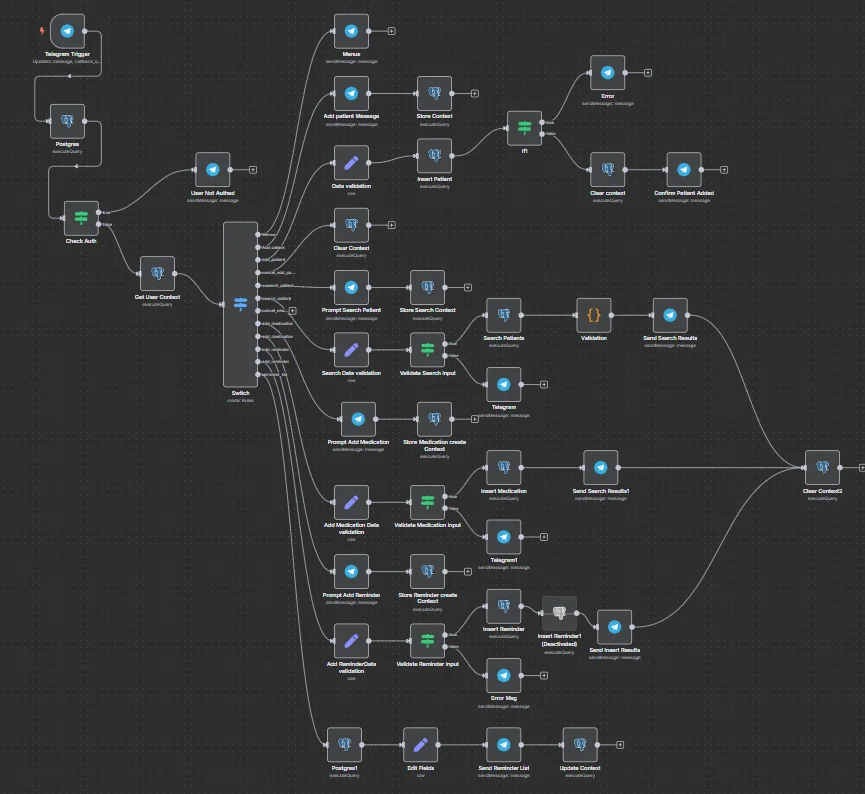
n8n stands apart from other automation platforms by offering what it calls "fair-code" licensing—open-source with the flexibility to self-host on your own infrastructure or use their managed cloud. This gives you complete control over your data and deployments, something Zapier and Make can't match.
The platform uses a node-based visual editor where you connect triggers, actions, and logic branches on an infinite canvas. With over 400 pre-built integrations and native AI capabilities, n8n handles everything from simple webhook automations to multi-step AI agent workflows that chain together LLM calls, database queries, and external API requests.
Key features:
- Self-hosting option with Docker, Kubernetes, or air-gapped deployments
- Native AI nodes supporting OpenAI, Anthropic, and local LLMs
- JavaScript/Python code nodes for custom logic when visual building isn't enough
- 7,000+ community workflow templates to start from
- Git-based version control and isolated environments for enterprise teams
Pricing: Free self-hosted community edition; cloud plans start at €24/month for individuals
Limitations: The interface has more complexity than simpler tools like Zapier. Teams without technical members may find the learning curve steep initially.
2. Bubble — Full-Stack Web Applications
Best for: Building complex web apps, SaaS products, and marketplaces without code
Bubble has evolved into the most powerful no-code platform for building complete web applications. Unlike website builders that focus on content pages, Bubble handles user authentication, database management, API integrations, and complex business logic—everything you'd need from a traditional tech stack.
The visual editor lets you design pixel-perfect interfaces while simultaneously defining data structures and workflows. You can build anything from a simple directory to a full marketplace with payment processing, user roles, and dynamic content.
Key features:
- Visual database with relational data modeling
- Responsive design builder with custom CSS support
- Extensive plugin marketplace for third-party functionality
- Version control and staging environments
- Native mobile app support (announced late 2025)
Pricing: Free for development; Starter plan at $32/month, Growth at $134/month
Limitations: Steeper learning curve than most no-code tools—expect weeks to become proficient. Performance can be sluggish for complex applications. No native mobile app publishing to app stores (web apps only until recent mobile features mature).
3. Zapier — Automation for Everyone
Best for: Non-technical users connecting apps and automating simple workflows
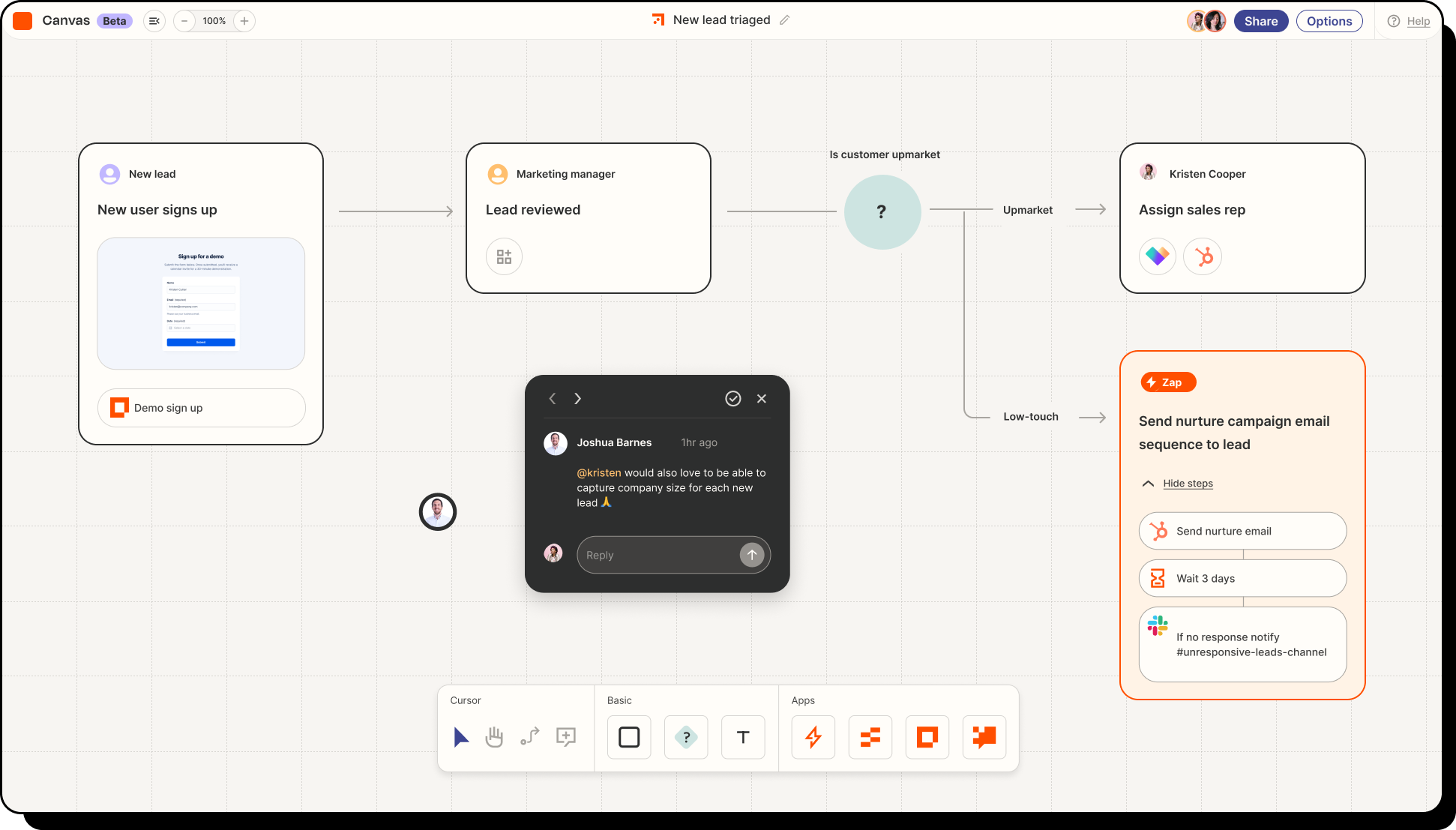
Zapier pioneered the "if-this-then-that" automation model and remains the most accessible option for beginners. With 8,000+ app integrations, you can connect virtually any SaaS tool in minutes without touching any settings more complex than dropdown menus.
The platform shines for straightforward automations: when a form submission arrives, create a CRM record and send a Slack notification. Multi-step Zaps can chain together conditional logic, filters, and multiple actions, though complex workflows quickly become unwieldy.
Key features:
- Largest integration library in the no-code space
- AI-powered Zap builder suggests workflows based on plain English descriptions
- Paths, filters, and conditional logic for branching workflows
- Tables feature adds basic database functionality
- Interfaces product for building simple forms and portals
Pricing: Free tier with 100 tasks/month; Starter at $29.99/month
Limitations: Gets expensive at scale—usage-based pricing compounds quickly. Less powerful than n8n or Make for complex automations. Limited debugging capabilities when things break.
4. Airtable — The Spreadsheet-Database Hybrid
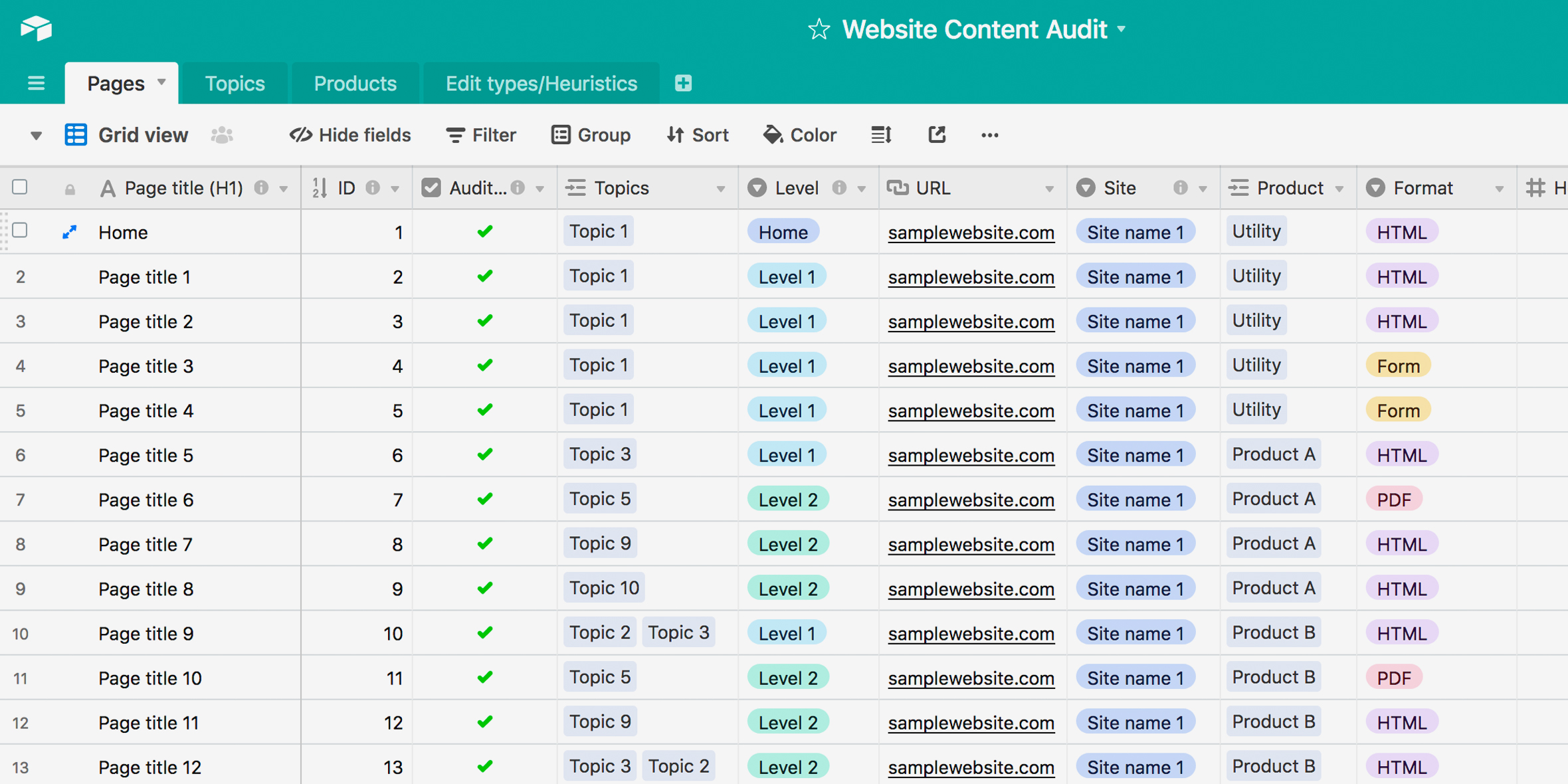
Best for: Teams managing structured data, project tracking, and building lightweight internal tools
Airtable combines spreadsheet familiarity with database power. Each "base" functions as a relational database with linked records, attachments, and field types that go far beyond what Excel can handle. Teams use it for CRMs, content calendars, inventory systems, and countless operational workflows.
The platform's interfaces feature lets you build forms, dashboards, and simple apps on top of your data without writing code. Automations can trigger when records change, sending emails, updating other services, or running scripts.
Key features:
- Multiple views: grid, kanban, calendar, gallery, Gantt
- Native AI features for summarization and data enrichment
- Sync tables across bases and with external services
- Scripting extension for advanced automation
- App marketplace with pre-built solutions
Pricing: Free tier available; Team plan at $24/seat/month
Limitations: Performance degrades with large datasets (50,000+ records). Pricing per seat becomes expensive for larger teams. Not suitable as a production database for customer-facing applications.
5. Webflow — Professional Website Design
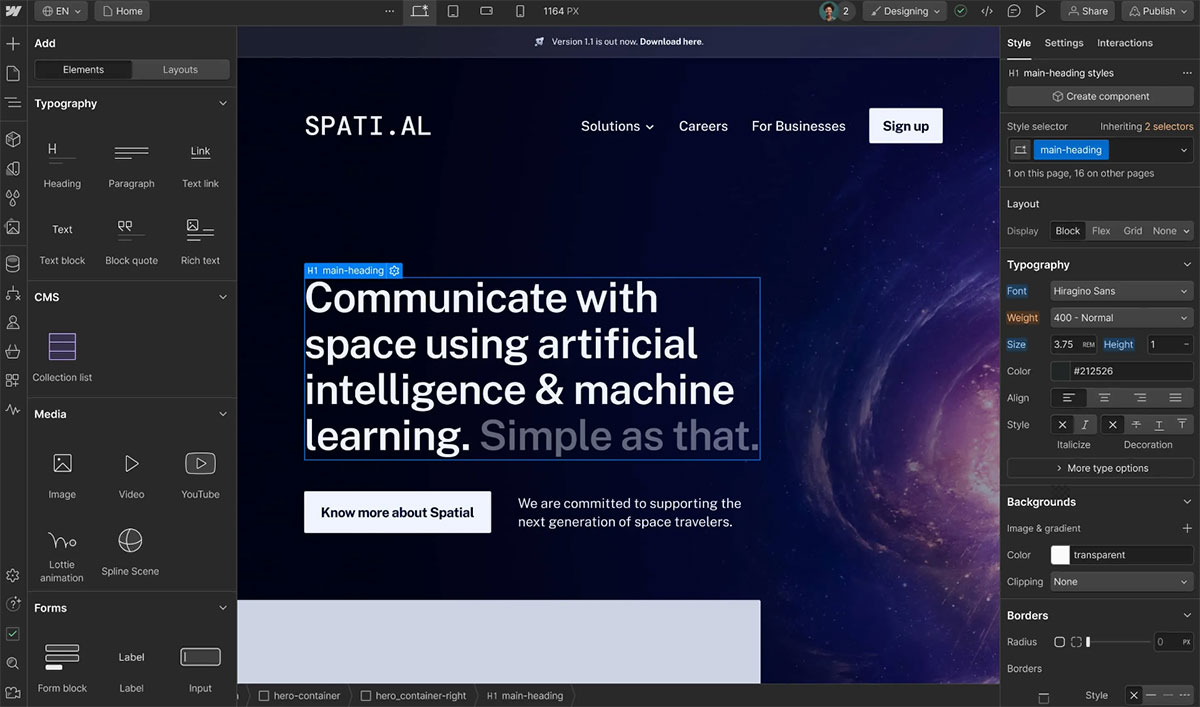
Best for: Designers and agencies building marketing sites, portfolios, and content-driven websites
Webflow gives designers the control of hand-coded CSS without writing it. The visual editor generates clean, semantic HTML and CSS while providing fine-grained control over animations, interactions, and responsive breakpoints. Results look as polished as custom development.
The CMS handles dynamic content like blogs, portfolios, and product pages, while e-commerce features support online stores. Most importantly, sites are fast—Webflow's hosting infrastructure serves pages quickly without the bloat of WordPress plugins.
Key features:
- Precise control over every CSS property through visual interface
- Custom animations and scroll-triggered interactions
- CMS with API access for headless implementations
- E-commerce with subscription and membership support
- Clean code export if you ever need to leave
Pricing: Free for two projects; Site plans from $18/month, e-commerce from $42/month
Limitations: Learning curve rivals learning CSS itself—this isn't drag-and-drop simplicity. Not suitable for complex web applications (use Bubble instead). CMS has limitations compared to headless solutions.
6. Make (formerly Integromat) — Advanced Automation
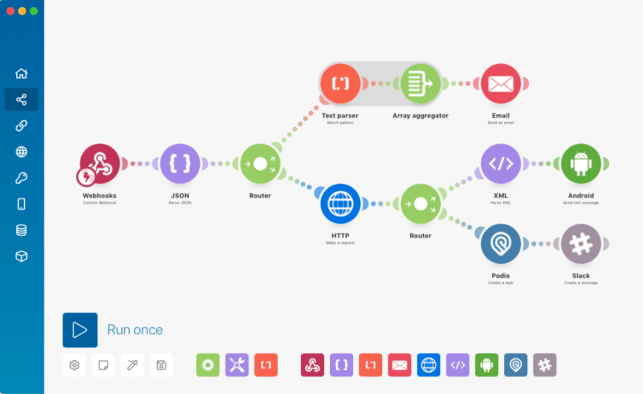
Best for: Power users who need more control than Zapier offers at a lower price
Make occupies the middle ground between Zapier's simplicity and n8n's technical complexity. The scenario builder visualizes automations as flowcharts with modules, routers, and iterators. You can handle complex data transformations, error handling, and conditional branching that Zapier struggles with.
Pricing based on operations rather than tasks means you pay for actual work done, not just triggers fired. For many use cases, Make costs 50-75% less than Zapier for equivalent functionality.
Key features:
- Visual scenario builder with branching and loops
- Data transformation with functions for text, dates, arrays
- Error handling with automatic retries and fallback paths
- Webhook support for custom integrations
- Execution history with detailed logs
Pricing: Free tier with 1,000 operations/month; Core plan at $10.59/month
Limitations: Interface can feel overwhelming for simple automations. Some integrations lag behind Zapier's library. Documentation sometimes incomplete for advanced features.
7. Glide — Apps from Spreadsheets
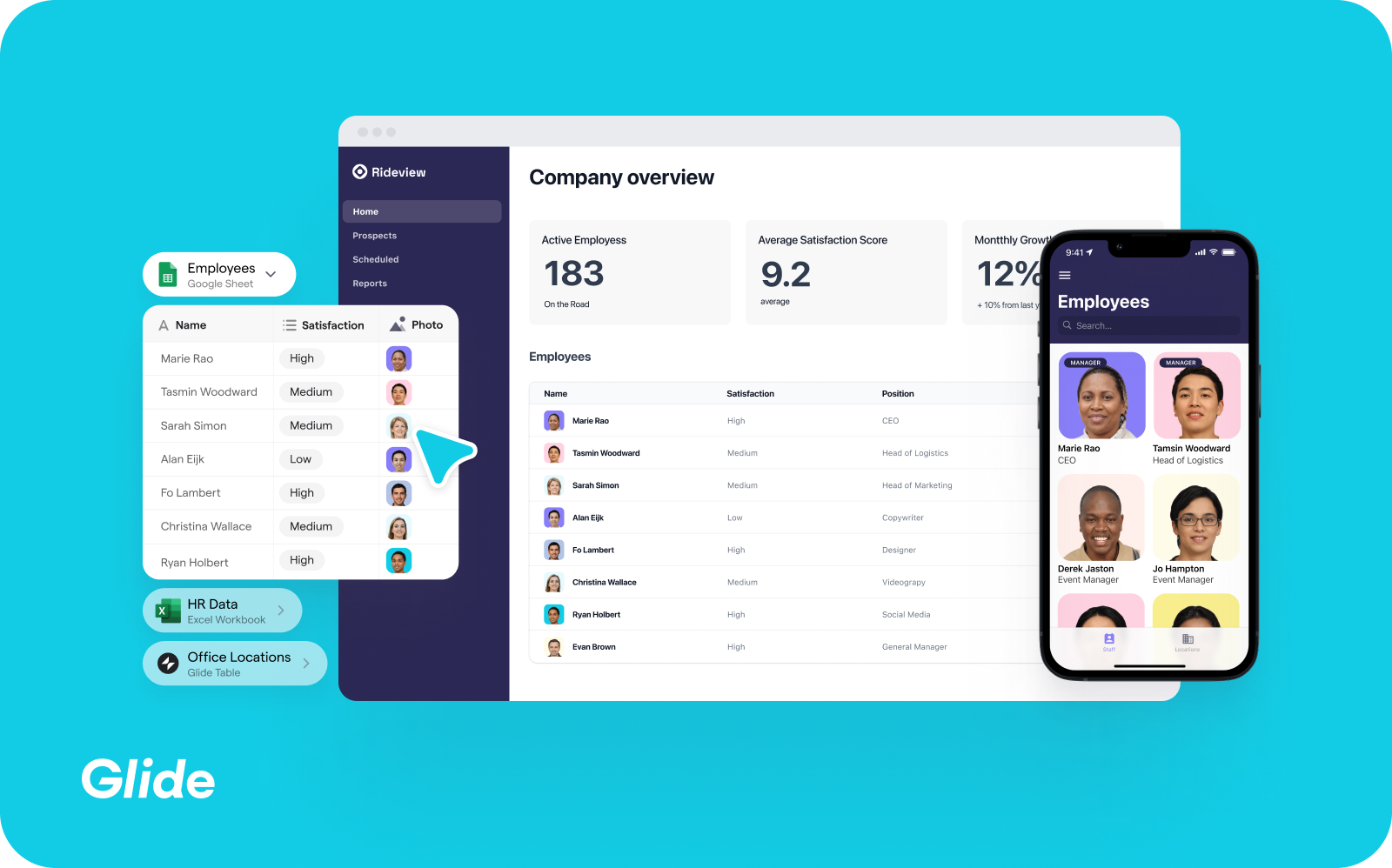
Best for: Building simple mobile and web apps backed by Google Sheets or Airtable data
Glide transforms spreadsheets into usable applications with minimal configuration. Point it at a Google Sheet, choose a layout template, and you have a working app in minutes. The platform handles authentication, offline sync, and responsive design automatically.
The sweet spot is internal tools: employee directories, inventory trackers, field service apps, and simple CRMs. Anything where your data lives in a spreadsheet and needs a better interface.
Key features:
- Automatic app generation from spreadsheet data
- Pre-built components: lists, forms, charts, calendars
- Real-time sync with data sources
- User authentication and role-based permissions
- Progressive web app publishing
Pricing: Free for personal use; Starter at $60/month for business features
Limitations: Limited customization compared to Bubble or Adalo. Complex logic difficult to implement. Apps can feel generic without significant design effort.
8. Adalo — Native Mobile App Development
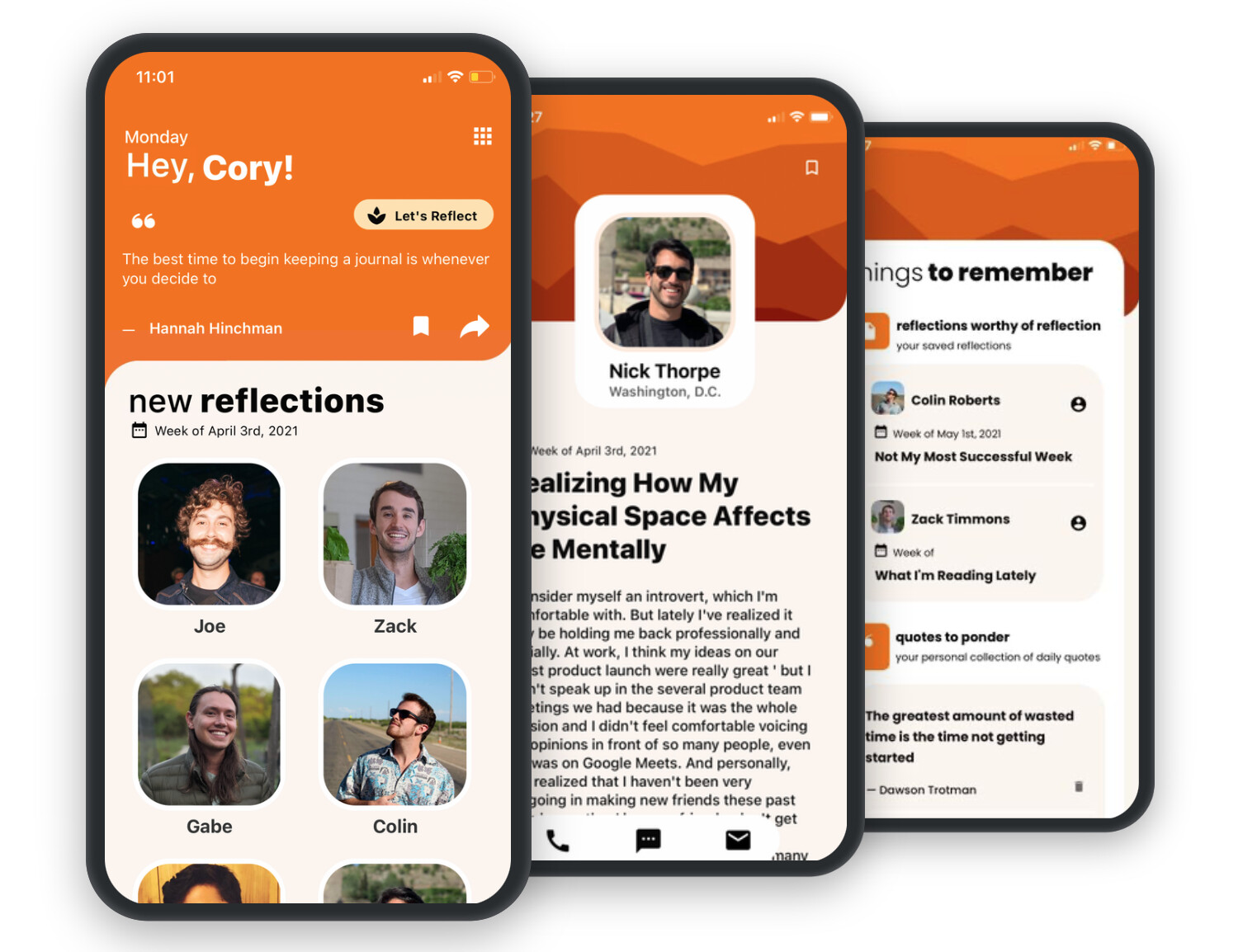
Best for: Publishing real apps to the Apple App Store and Google Play
Adalo stands out by generating actual native mobile apps rather than web wrappers. You can build once and publish to iOS, Android, and web simultaneously. The visual builder includes pre-built components for common mobile patterns: navigation, lists, forms, and cards.
For startups needing a mobile app without the cost of native development, Adalo offers the most direct path to app store presence.
Key features:
- True native app compilation for iOS and Android
- Drag-and-drop visual builder with component marketplace
- Built-in database with relational data support
- Push notifications and geolocation
- Zapier integration for external automations
Pricing: Free for development; Starter at $36/month (annual), Team at $200/month
Limitations: Performance lower than hand-coded native apps. Complex apps may require workarounds. Design customization more limited than web-focused platforms.
9. Softr — Portals and Internal Tools from Your Data
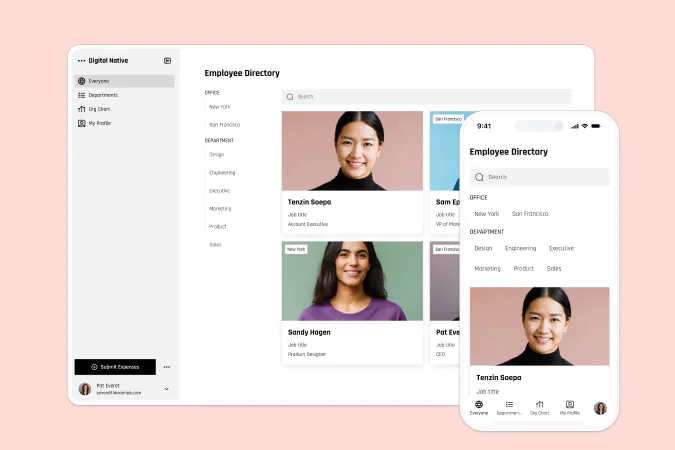
Best for: Building client portals, member directories, and internal dashboards on top of Airtable or Google Sheets
Softr specializes in turning existing data into functional web applications with minimal effort. Connect to Airtable, Google Sheets, or use Softr's built-in database, then assemble pages from pre-built blocks: tables, lists, forms, charts, and more.
The platform excels at use cases like client portals, community directories, and internal tools where you need something more polished than a spreadsheet but simpler than a full web app.
Key features:
- 14+ data source integrations including Notion and SQL databases
- User authentication with role-based permissions
- Pre-built templates for common use cases
- PWA support for mobile-like experiences
- Custom domains and white-labeling
Pricing: Free tier available; Basic at $59/month
Limitations: Less customizable than Bubble for complex applications. Tightly coupled to data sources—switching later is difficult. Some features require higher pricing tiers.
10. Framer — Interactive Website Design
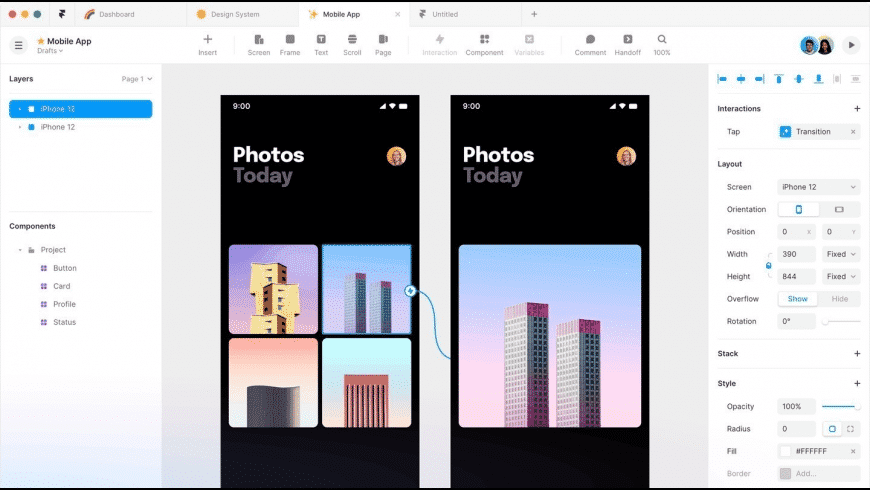
Best for: Designers creating visually distinctive marketing sites and portfolios
Framer brings a design-tool-first approach to website building. The canvas feels like Figma, but changes publish directly to the web. Animations, transitions, and micro-interactions that would require custom JavaScript happen through visual controls.
For portfolios, agency sites, and landing pages where visual impact matters most, Framer produces results that stand out from template-driven competitors.
Key features:
- Canvas-based design similar to Figma
- Built-in animation and interaction tools
- CMS with external data integrations
- Responsive design with breakpoint controls
- AI assistant for content and design suggestions
Pricing: Free tier available; Mini plan at $5/site/month, Basic at $15/site/month
Limitations: Limited CMS capabilities compared to Webflow. E-commerce support basic. Not suitable for complex web applications.
How to Choose the Right Tool
Different problems call for different solutions. Here's a quick decision framework:
For workflow automation: Start with n8n if you have technical resources and want maximum control. Choose Zapier for simplicity, Make for the middle ground.
For web applications: Bubble handles complex apps; Softr works for simpler data-driven tools; Webflow and Framer serve marketing sites.
For mobile apps: Adalo produces native apps; Glide works for simpler internal tools.
For data management: Airtable provides the most flexible spreadsheet-database hybrid with strong automation capabilities.
Consider your team's technical comfort level, budget constraints, and whether you need self-hosting capabilities. Most platforms offer free tiers—prototype with a few before committing to production.
Next Steps
-
Start with one tool. Pick the platform that matches your most pressing need and learn it well before adding more to your stack.
-
Use templates. Every platform has community templates—don't start from scratch.
-
Plan for growth. Free tiers are great for prototyping, but factor paid tier costs into your project budget.
-
Join communities. Each tool has forums, Discord servers, or communities where you can find solutions to common problems.
Resources: